

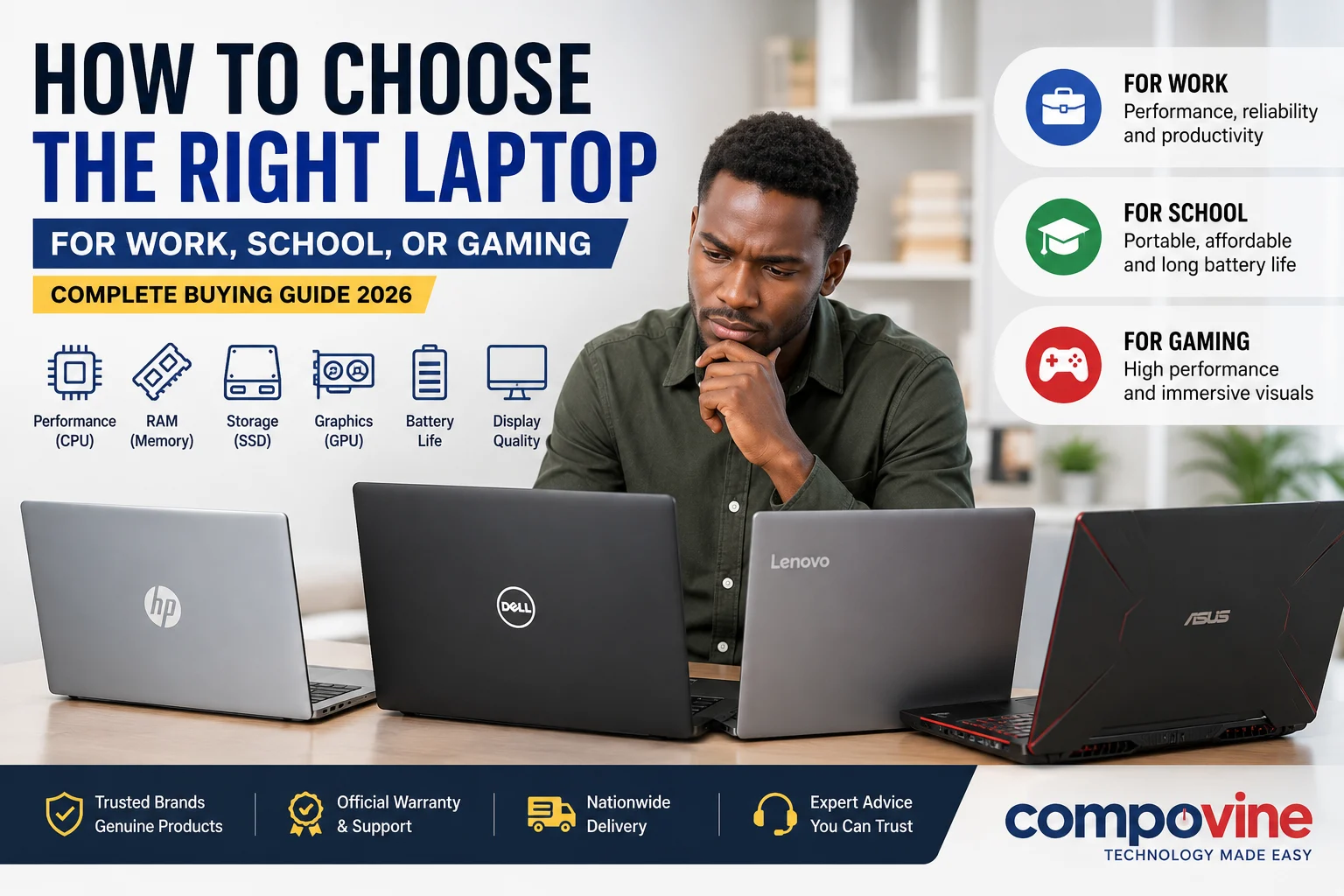
How to Choose the Right Laptop for Work, School, or Gaming (Complete Buying Guide)
Buying a laptop today is more challenging than ever. With hundreds of models available from trusted brands like HP, Dell, Lenovo, ASUS, Acer, Apple, and MSI, selecting the right device can feel overwhelming. Add technical specifications such as Intel® Core™ Ultra processors, AMD Ryzen™, RAM, SSDs, graphics cards, and display resolutions, and it’s easy to get confused.
Whether you’re a student attending online classes, a professional working remotely, a business owner managing daily operations, or a gamer looking for high-performance hardware, choosing the right laptop starts with understanding how you’ll use it.
This comprehensive buying guide will help you understand the key features to consider before making your purchase, ensuring you get the best value for your money.
Step 1: Identify Your Primary Use
Before comparing specifications, determine what you’ll primarily use the laptop for.
For Students
Students typically need a lightweight laptop with long battery life and reliable performance for:
- Research
- Online classes
- Microsoft Office
- Web browsing
- Assignments
- Video conferencing
Recommended Specifications
- Intel Core i3/Core 5 or AMD Ryzen 3/5
- 8GB RAM
- 256GB SSD
- Full HD display
- Battery life of 8 hours or more
For Professionals and Office Work
Business users often run multiple applications simultaneously, including spreadsheets, video conferencing tools, accounting software, and web browsers.
Recommended Specifications
- Intel Core i5/Core Ultra 5 or AMD Ryzen 5
- 16GB RAM
- 512GB SSD
- Full HD IPS display
- Fingerprint reader or TPM security
For Content Creators
Graphic designers, video editors, architects, photographers, and engineers require more processing power.
Recommended Specifications
- Intel Core Ultra 7/Core i7 or AMD Ryzen 7
- 16GB–32GB RAM
- Dedicated NVIDIA RTX graphics
- 1TB SSD
- High-color-accuracy display
For Gaming
Gaming laptops are designed to handle demanding titles while maintaining high frame rates.
Recommended Specifications
- Intel Core Ultra 7 or AMD Ryzen 7
- NVIDIA GeForce RTX graphics
- 16GB RAM or higher
- 1TB SSD
- 144Hz or higher refresh rate display
Step 2: Understand the Processor (CPU)
The processor is the brain of your laptop. It determines how quickly your system can complete tasks.
Intel Processors
Suitable for:
- Everyday computing
- Business applications
- Gaming
- Creative workloads
Popular options include:
- Intel Core i3
- Intel Core i5
- Intel Core i7
- Intel Core Ultra 5
- Intel Core Ultra 7
- Intel Core Ultra 9
AMD Ryzen Processors
AMD processors offer excellent performance and value.
Popular options include:
- Ryzen 3
- Ryzen 5
- Ryzen 7
- Ryzen 9
Which Processor Should You Choose?
| User | Recommended CPU |
|---|---|
| Student | Intel Core i3/Core 5 or Ryzen 3 |
| Office | Intel Core i5/Core Ultra 5 or Ryzen 5 |
| Business | Intel Core Ultra 7 or Ryzen 7 |
| Gaming | Intel Core Ultra 7/9 or Ryzen 7/9 |
| Video Editing | Intel Core Ultra 9 or Ryzen 9 |
Step 3: Choose the Right Amount of RAM
RAM affects how many applications your laptop can run simultaneously.
8GB RAM
Suitable for:
- Students
- Office work
- Web browsing
- Microsoft Office
16GB RAM
Ideal for:
- Professionals
- Programming
- Graphic design
- Video editing
- Heavy multitasking
32GB RAM
Best for:
- 3D rendering
- Engineering software
- Professional video production
- Virtual machines
Step 4: SSD vs HDD Storage
Modern laptops generally use SSDs (Solid State Drives), which are significantly faster than traditional hard disk drives (HDDs).
SSD Benefits
- Faster boot times
- Faster application loading
- Better durability
- Lower power consumption
- Silent operation
Recommended Storage Capacity
| User | Storage |
|---|---|
| Student | 256GB SSD |
| Office | 512GB SSD |
| Business | 512GB–1TB SSD |
| Gaming | 1TB SSD |
| Content Creation | 1TB SSD or higher |
Step 5: Integrated vs Dedicated Graphics
Graphics processing is essential for visual performance.
Integrated Graphics
Perfect for:
- Browsing
- Office applications
- Streaming
- Online classes
Dedicated Graphics
Recommended for:
- Gaming
- AutoCAD
- Adobe Premiere Pro
- Blender
- Photoshop
- Video editing
- 3D rendering
Popular options include NVIDIA GeForce RTX and professional workstation GPUs.
Step 6: Display Quality Matters
A laptop’s display affects productivity, entertainment, and eye comfort.
Recommended Features
- Full HD (1920 × 1080) resolution
- IPS panel
- Anti-glare coating
- 300 nits or higher brightness
- 100% sRGB color coverage for designers
Gamers should also look for a refresh rate of 144Hz or higher for smoother gameplay.
Step 7: Battery Life
If you’re often on the move, battery life is crucial.
Aim for:
- Students: 8–10 hours
- Business users: 8–12 hours
- Professionals: 7–10 hours
- Gamers: Expect shorter battery life during intensive gaming sessions
Step 8: Connectivity
Modern laptops should include:
- USB-C
- USB-A
- HDMI
- Wi-Fi 6 or Wi-Fi 6E
- Bluetooth 5.x
- Audio jack
- SD card reader (optional)
These ports ensure compatibility with external monitors, storage devices, and other accessories.
Step 9: Build Quality and Portability
If you travel frequently or carry your laptop to work or school, prioritize:
- Weight under 1.8 kg
- Durable chassis (aluminum or reinforced polycarbonate)
- Comfortable keyboard
- Precision touchpad
- Strong hinge design
Business-class laptops are often built to withstand daily use and frequent travel.
Step 10: Choose a Trusted Brand
Reliable manufacturers provide better support, firmware updates, and warranty coverage.
Popular brands include:
- HP
- Dell
- Lenovo
- ASUS
- Acer
- Apple
- MSI
Each brand offers models tailored to students, professionals, creators, and gamers.
Common Laptop Buying Mistakes to Avoid
Before making your purchase, avoid these common mistakes:
- Choosing a laptop with only 4GB of RAM for modern workloads.
- Buying an HDD-based laptop when an SSD is available.
- Ignoring battery life if you work away from a power outlet.
- Purchasing a gaming laptop when you only need it for basic office tasks.
- Overlooking warranty and after-sales support.
- Selecting a laptop with outdated hardware that may have limited software support.
Frequently Asked Questions
Is 8GB RAM enough in 2026?
Yes, 8GB is suitable for everyday tasks such as browsing, document editing, online learning, and streaming. If you frequently multitask or use demanding applications, 16GB is a better long-term choice.
Which processor is better: Intel or AMD?
Both Intel and AMD offer excellent processors. The right choice depends on your budget and intended use rather than the brand alone.
Is a 256GB SSD enough?
For many students and office users, yes. However, if you work with large files, photos, videos, or games, consider 512GB or 1TB.
Do I need a dedicated graphics card?
Only if you plan to game, edit videos, create 3D models, or use professional creative software. Everyday users can rely on integrated graphics.
Final Thoughts
Choosing the right laptop doesn’t have to be complicated. By understanding your needs and focusing on key specifications—such as processor, RAM, storage, graphics, display, and battery life—you can confidently select a device that will serve you well for years to come.
Whether you’re shopping for a student laptop, a business notebook, a powerful workstation, or a high-performance gaming machine, investing in the right laptop is an investment in your productivity and digital experience.
At Compovine, you’ll find a wide selection of genuine laptops from leading global brands, backed by expert advice and reliable after-sales support. Browse our collection to compare models and choose the laptop that best fits your needs and budget.
Internal Linking Opportunities
- Computer Accessories2 products
- External Drives2 products
- Computers103 products
- All-In-One PC37 products
- Desktops2 products
- Laptops57 products
- Monitors4 products
- Power Products6 products
- UPS6 products
- Printers62 products
- Laserjet Printers62 products
- Projectors and Cameras12 products
- Projectors12 products
- Scanners and Copiers13 products
- Photocopiers5 products
- Scanners8 products
